Sora Alternatives 2026: The 7 Best AI Video Models Right Now
Sora’s app closed in April 2026 and the API followed on 24 September 2026. Seven models, six production dimensions, no single winner — here is where Veo, Seedance, Kling, Vidu, Grok Imagine, Hailuo and LTX-2 each make sense now.

The best AI video model in 2026 depends less on a single leaderboard than on the shot you need to finish. Veo 3.1 is the safest choice for polished cinematic frames, Seedance is built for narrative continuity, Kling holds a character across scenes, and LTX-2 gives technical teams an open stack they can host themselves.
Sora status (October 2026): Sora is gone. OpenAI discontinued the Sora web and app experience on 26 April 2026, and the Sora API was discontinued on 24 September 2026 — endpoints no longer respond and data associated with Sora is being permanently deleted. If you generated anything in Sora, export it from sora.chatgpt.com/sunset while the export window still exists.
This guide compares seven widely discussed models against the same practical questions: what does each one do unusually well, where does it fall short, and how do audio, resolution, reference control, speed and pricing change a real production workflow. This is not a formal scoring benchmark. Every model here has been run hands-on inside the invideos video tools across the briefs we generate most often, so what follows reflects real production runs rather than spec sheets alone, supported by provider documentation and published model comparisons. Prices were checked in October 2026 and move often — confirm them on the vendor's own page before you budget a project.
Key takeaways
- There is no universal winner; choose by shot type, not by brand recognition.
- Veo 3.1 is the premium pick for cinematic quality and native audio.
- Seedance is the strongest fit for multi-shot storytelling and dialogue-led scenes.
- Kling is the practical choice for recurring characters and creator series.
- LTX-2 wins when self-hosting and customization matter more than setup time.
Quick Comparison: The Best AI Video Models in 2026
| Model | Best for | Audio | Resolution | Access | Starting price (Oct 2026) | Main trade-off |
|---|---|---|---|---|---|---|
| Veo 3.1 | Cinematic hero shots | Native audio | Up to 4K tier | Cloud / API | Pro $19.99/mo; API from $0.05/sec | Premium pricing |
| Seedance 2.0 | Multi-shot storytelling | Native audio | Up to 4K | Cloud / API | ~$0.15/sec at 720p | API access still limited |
| Kling 3.0 | Character consistency | Supported modes | Up to 4K | Web / API | Standard $6.99/mo | Credit-based costs |
| Vidu | Fast iteration and volume | Sound effects | 1080p class | Web / API | Standard $10/mo | Less high-end control |
| Grok Imagine | API-scale generation | Supported versions | Up to 1080p | API / platform | $0.08/sec at 480p, $0.14 at 720p | Lower resolution ceiling |
| Hailuo 2.3 | Budget production | No native audio | 1080p class | Web / API | From ~$9.99/mo | Separate sound design |
| LTX-2 | Local, customized pipelines | Native audio | High-resolution options | Open / self-hosted | Lite $15/mo; weights open | Hardware setup |
*Resolution and feature availability differ by product tier, API, region, clip duration and platform. Prices are list prices in USD checked in October 2026, before regional taxes and first-purchase discounts. Credits, tiers and per-second rates change often — treat every figure as a snapshot and confirm on the vendor's page.
How These Models Were Evaluated
A useful comparison needs more than a feature list. Each model was assessed against six workflow dimensions:
- Visual quality: lighting, texture, realism and style control.
- Motion coherence: whether objects, people and camera movement stay stable.
- Audio: dialogue, lip sync, ambience and effects generated with the clip.
- Reference control: how well images, characters and styles carry into a shot.
- Production economics: subscription, API, credit or hardware costs.
- Workflow fit: ideation, final shots, batch output or technical customization.
Every model in this comparison has been run inside the invideos workspace, so the notes below come from hands-on production runs as well as from provider documentation and published comparisons. The briefs we come back to most are a product hero shot (lighting, physics and camera control), a character-led sequence (identity across cuts and dialogue), and a stylised social cut (style coherence and turnaround speed). Pricing moves often, so the figures below are directional rather than permanent quotes.
1. Veo 3.1 — Best for Cinematic Quality and Native Audio
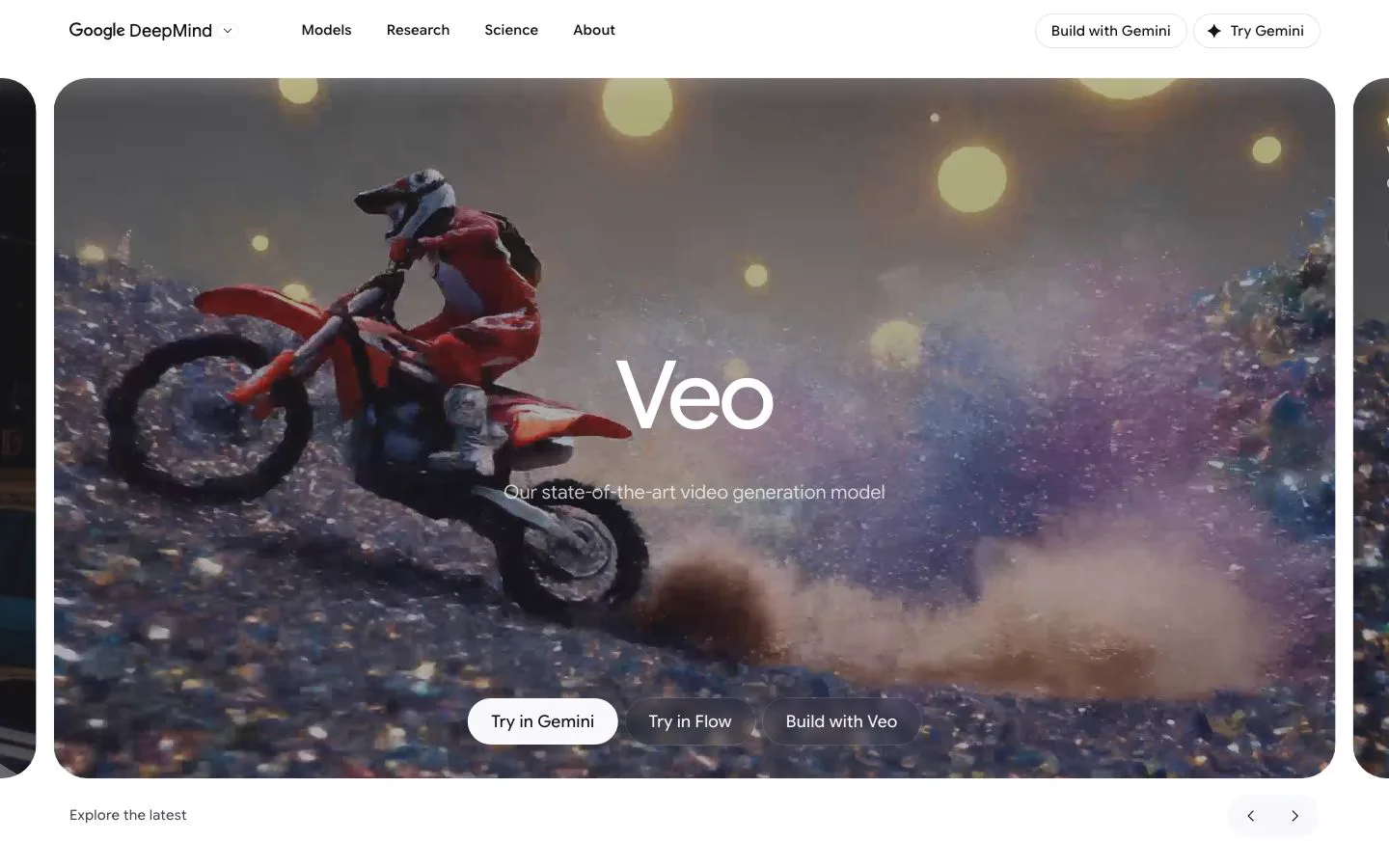
Veo 3.1 is the safest premium choice when a single shot has to look finished immediately. Google positions Veo 3.1 around high-fidelity generation with image-to-video, camera control and generated audio, and published comparisons consistently place it near the top for cinematic realism and prompt adherence.
Its real advantage is the combination of image and sound. A prompt can describe a camera move, a lighting setup, ambient noise, dialogue or a sound effect instead of treating audio as a separate post-production task. That matters for product films, establishing shots and short ads where the first usable result beats raw output volume.
Best for: premium hero shots, cinematic product visuals, realistic environments, and projects where native audio removes a post step.
Watch out for: cost and access limits. Premium and API tiers get expensive across many variations, and short clip limits still mean longer sequences need shot planning and editing.
Pricing: consumer access runs through Google AI plans — Plus $4.99/mo (200 Flow credits), Pro $19.99/mo (1,000 credits), Ultra $99.99/mo (10,000) and $199.99/mo (25,000). On the Gemini API, Veo 3.1 Standard costs $0.40/second at 720p or 1080p and $0.60 at 4K; Fast runs $0.10–$0.30 and Lite $0.05–$0.08. Draft on Lite or Fast and spend the expensive Quality credits on the shots people will study. Check Google's current Veo documentation and Gemini API pricing before budgeting; the tiers invideos exposes are listed on its Veo 3.1 model page.
2. Seedance 2.0 — Best for Multi-Shot Storytelling
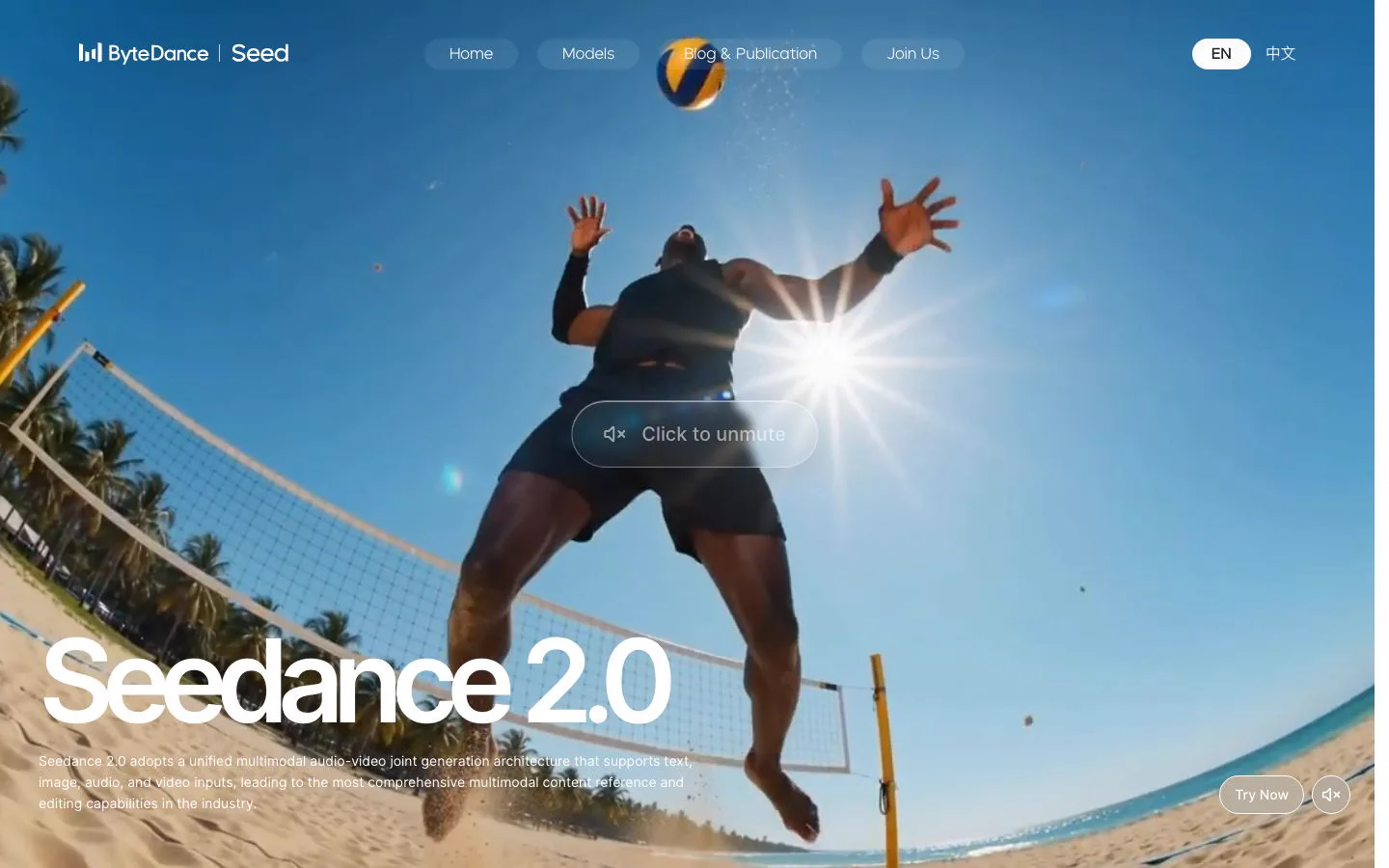
Seedance 2.0 stands out when the job is not one attractive clip but several shots that hold together. ByteDance built Seedance for text-to-video, image-to-video and reference-driven creation, and current comparisons emphasise its narrative and dialogue behaviour.
The practical benefit is continuity. A commercial opens wide, cuts to a product close-up, then returns to the person using it. Models that treat every prompt as an isolated request tend to lose identity or visual logic between cuts; reference and multi-shot workflows are designed to prevent exactly that drift.
Audio is the second reason to look here. Native audio and lip sync make talking characters usable in ads, explainers and short narrative work without a separate voice pipeline. It is not automatic — references still have to be clear, and complex scenes often need several generations plus editorial cleanup.
Best for: short films, narrative ads, dialogue, storyboards, and any sequence that has to stay consistent across cuts.
Watch out for: the price gap between direct API access and third-party platforms, plus resolution, duration and speed tiers that move the final number.
Pricing: there is no consumer subscription. Through third-party APIs, Seedance 2.0 runs at roughly $0.15 per second at 720p — about $0.76 for a five-second 16:9 clip — with a range from ~$0.07/second at 480p to ~$1.37/second at 4K. ByteDance’s domestic rate works out close to ¥1 per second for pure generation, and general API access is still restricted. See the official Seedance documentation and confirm the rate for your resolution and duration. Seedance 2.5 in invideos is available if you need the newer generation.
3. Kling 3.0 — Best for Character Consistency
Kling 3.0 is the choice when the same person, mascot or fictional character has to reappear. Reference-image and character-control workflows matter more here than the headline resolution number: the value is regenerating a recognisable subject in a new scene without starting from zero.
That makes it useful for creator series, recurring presenters, product demos and episodic social content. A character can move between environments while keeping face, clothing and body proportions reasonably stable. It does not remove the need for good references or careful prompting, but it cuts the manual correction between shots.
Kling also ships high-resolution output tiers and audio-enabled modes in supported workflows. Free or entry access is workable for storyboarding, though watermarks, queue priority and credit limits start to matter as soon as work goes to a client.
Best for: recurring characters, social series, presenter-led content and character-driven product videos.
Watch out for: credit economics. An impressive model gets expensive when you regenerate many variations or use premium duration and audio settings.
Pricing: Kling sells credits by tier — Standard $6.99/mo (660 credits), Pro $25.99 (3,000), Premier $64.99 (8,000) and Ultra $127.99 (26,000); renewal prices run higher, from $8.80 to $159.99. A 720p clip costs roughly 20 credits, so budget by clip count rather than by month. Review the current Kling product site before production; Kling 2.6 in invideos remains available if you only need the earlier generation.
4. Vidu — Best for Fast, High-Volume Iteration
Vidu is most compelling when speed and iteration beat maximum polish. For social teams and solo creators, generating several usable ideas quickly is often worth more than waiting on one premium render.
It fits short-form content, concept exploration and workflows that need many variations. Reference-to-video helps carry an object or character across clips, though the control is not the reason to pick Vidu over a model built around characters.
The compromise is the high-end ceiling. For everyday mobile content, 1080p-class output is enough. For large-format delivery, close-up product texture, or a hero frame that will be cropped hard, a premium model is more convincing — and when the final delivery needs more, an upscale pass is usually cheaper than re-generating the shot.
Best for: social teams, rapid concepting, daily publishing and creators who value throughput.
Watch out for: resolution limits, documentation gaps, and the difference between a fast draft and a client-ready frame.
Pricing: Standard is $10/mo (800 credits), Premium $43/mo (3,500) and Ultimate $230/mo (8,000); yearly billing brings Standard to about $8.25/mo. At list rates 100 credits cost roughly $1.03, and paid tiers carry off-peak generation quotas. Check the current Vidu plans before committing, because credit costs vary by mode, duration and peak or off-peak availability.
5. Grok Imagine — Best for API-First Scale
Grok Imagine is more interesting to developers shipping video inside a product than to filmmakers choosing one model for a hero shot. Its appeal is API access, straightforward automation, and the ability to generate or edit large numbers of short clips.
An API-first workflow changes the criteria. You stop asking whether one clip wins a visual benchmark and start asking whether the service fits a queue, retries cleanly, returns predictable metadata and keeps per-second cost manageable. It is a reasonable fit for previews, automated variations and social assets where 720p is acceptable.
The limitation is resolution. Against models offering higher-resolution tiers, resolution limits can show up in product close-ups, text-heavy scenes and large-screen delivery.
Best for: developers, automated pipelines, high-volume generation and product features that need video through an API.
Watch out for: resolution and platform dependency. Confirm endpoints, rate limits and commercial-use terms before you build a critical workflow on it.
Pricing: xAI bills per second through the Imagine API: on grok-imagine-video-1.5 that is $0.08/second at 480p, $0.14 at 720p and $0.25 at 1080p, plus $0.01 per input image. There is no free tier on the API, and a discarded render costs the same as a kept one. Use the live developer documentation rather than a static per-second estimate. Grok Imagine Video in invideos is already connected if you want to test the family before integrating.
6. Hailuo 2.3 — Best for Budget-Friendly Production
Hailuo 2.3 makes sense when a project needs dependable 1080p-class output without premium-model economics. It suits agencies, YouTube creators and social teams that need a steady stream of clips and can handle sound separately.
Its value is not winning every visual category. It is the balance between acceptable motion, accessible pricing and practical volume — useful for b-roll, concept videos, explainers and content where the visual does not have to carry a feature-film standard.
The main limitation is native audio. If dialogue, ambience and synchronised effects are essential, a model with integrated audio removes several post steps. If you already run a music or voiceover pipeline, the missing audio matters much less.
Best for: budget-conscious teams, content agencies, b-roll and high-volume social production.
Watch out for: audio requirements, maximum resolution, and whether a subscription tier actually covers your monthly output.
Pricing: paid credit plans start around $9.99/mo (1,000 credits), then roughly $34.99 (4,500), $79.99 (10,500) and $199.99 (20,000). A six-second 1080p clip consumes roughly 290 credits, so the entry tier covers only a handful of finished clips. Prices and credit names vary by region and billing currency — check the current MiniMax documentation before buying. MiniMax H3 in invideos is the newer option to compare if you need higher tiers.
7. LTX-2 — Best for Open and Customizable Workflows
LTX-2 is the clearest answer for technical teams that want more control than a closed cloud platform gives. An open model supports local inference, private pipelines, fine-tuning and integration with a studio's existing tools.
That flexibility matters for companies producing at volume, working with sensitive assets, or enforcing a repeatable visual identity. Instead of paying per generation forever, a team can weigh hardware and cloud-GPU cost against its own throughput. Fine-tuning and custom conditioning help when generic prompts can no longer hold a brand style.
The trade-off is operational: compatible hardware or a cloud GPU, a deployment workflow, model-management skills, and time for troubleshooting. A casual creator is better served by a hosted model; a studio or developer may find the setup cost pays back through control and long-run economics.
Best for: studios, developers, private workflows, custom styles and teams willing to run infrastructure.
Watch out for: hardware requirements, setup time, clip-length constraints, and the gap between open weights and a managed product.
Pricing: LTX Studio plans are Free (800 one-time credits), Lite $15/mo (8,000 credits/month), Standard $35/mo (28,000) and Pro $125/mo (110,000); yearly billing drops those to $12, $28 and $100. The weights are open, but self-hosting means paying for GPU capacity either way. Review the current LTX plans and the applicable repository license before commercial deployment.
How to Choose the Right Model
Use the decision rule instead of asking which model is "best" in the abstract:
- Need one polished cinematic shot? Start with Veo 3.1.
- Need connected shots with dialogue? Evaluate Seedance 2.0.
- Need the same character across a series? Start with Kling 3.0.
- Need dozens of quick social variations? Consider Vidu.
- Need an API inside a product? Compare Grok Imagine against your latency and resolution needs.
- Need low-cost, dependable output? Look at Hailuo 2.3.
- Need local control or fine-tuning? Evaluate LTX-2.
For most real projects the answer is a combination. Use a fast, inexpensive model for exploration, a character-focused model for recurring subjects, and a premium model for the few shots that carry the campaign. If you are animating stills rather than prompting from scratch, the image-to-video path is usually the faster route to a controlled frame.
Commercial Use, Watermarks, and Licensing
Output quality tells you nothing about whether you can ship the result. Before publishing or delivering client work, check four things:
- Commercial-use rights: confirm whether free and paid tiers differ.
- Watermarks: verify whether the selected plan removes visible branding.
- Input rights: make sure you have permission for reference images, voices, logos and likenesses.
- Model-specific restrictions: review terms for public figures, copyrighted characters and regulated industries.
These terms change more often than model names do. Treat provider documentation and the terms attached to your account as the final authority.
Frequently Asked Questions
Is Sora still available?
No. OpenAI discontinued the Sora web and app experience on 26 April 2026, and the Sora API followed on 24 September 2026. Endpoints no longer respond and data associated with Sora is being permanently deleted. If you created anything in Sora, export it from sora.chatgpt.com/sunset while the export window is still offered — see OpenAI’s discontinuation notice. After that, the models below are the practical replacements.
Which AI video model is best overall in 2026?
There is no single best model for every workflow. Veo 3.1 is the strongest overall pick for premium cinematic shots, Seedance 2.0 is often better for narrative continuity, and Kling 3.0 for recurring characters.
Which model is best for free testing?
Vidu and Kling commonly offer entry-level or free access, though credits, queue priority, resolution and watermark rules depend on the current plan. LTX-2 can be free as software if you already have compatible hardware or a GPU environment.
Do AI video models generate sound?
Some do. Veo, Seedance, Kling, Vidu and LTX-2 support audio in documented workflows or variants. Hailuo is commonly paired with a separate sound-design step. Confirm the exact audio mode — availability changes by API, product, duration and region.
Should I use one model for an entire project?
Not necessarily. Use one model for fast drafts, another for character continuity and a premium model for final hero shots. Keep prompt structure, references, aspect ratio and editorial rules consistent when you switch.
How often should this comparison be updated?
Update it when capabilities, pricing, licensing, access or output limits materially change. Changing the date without substantive updates does not make a comparison more trustworthy.
Final Verdict
Choose Veo 3.1 when cinematic quality and native audio justify a premium workflow. Choose Seedance 2.0 for connected narrative scenes, Kling 3.0 for recurring characters, Vidu for fast iteration, Grok Imagine for API-scale generation, Hailuo 2.3 for budget production, and LTX-2 for open, customizable pipelines. The strongest production setup is often not one winner, but the right model for each shot.
Sources
From prompt to finished video.
In one workspace.
Start Creating
No credit card required · Veo, Seedance, Kling and MiniMax already connected